

 Cart is empty
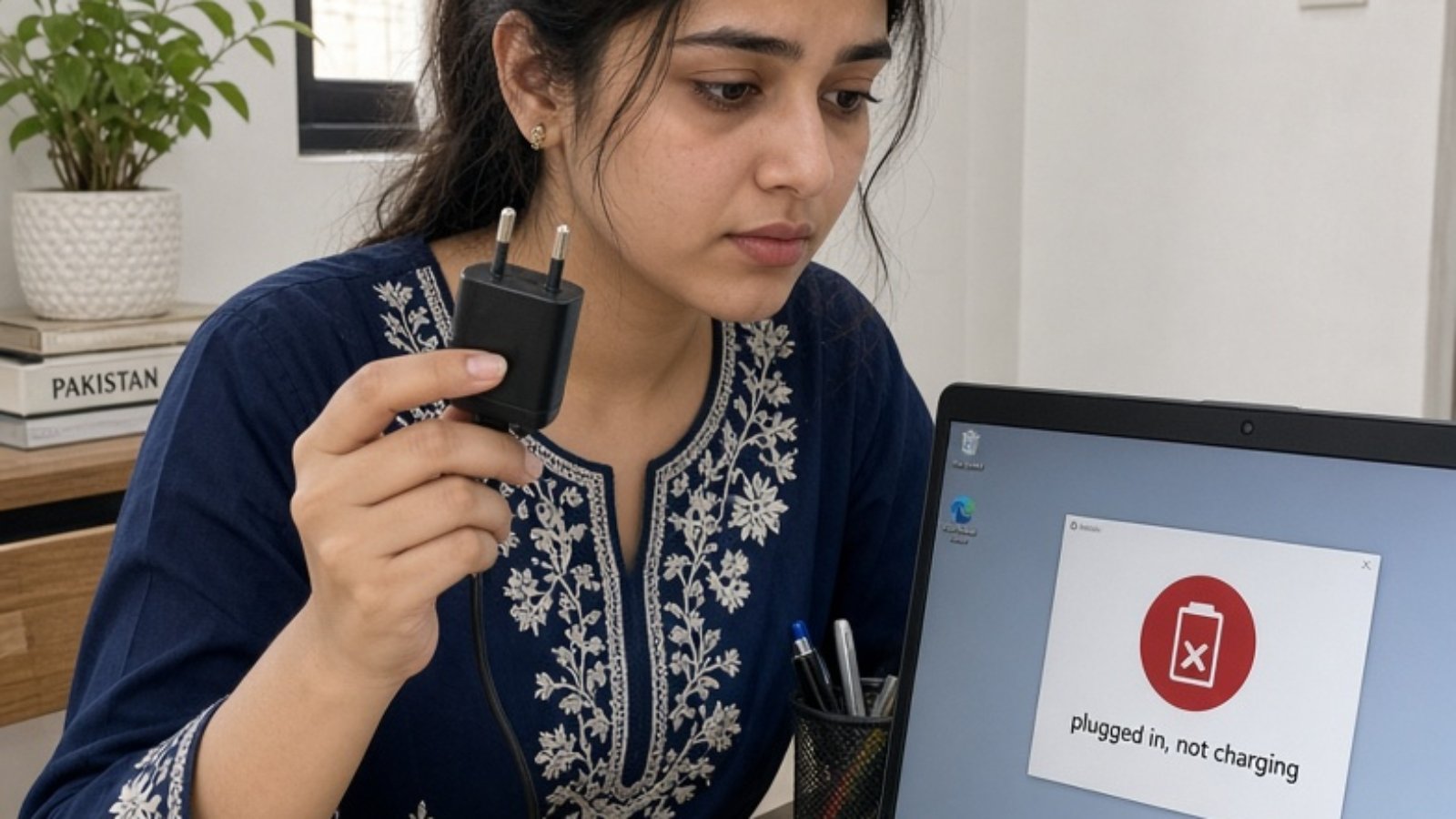
If your laptop charger is not charging, check five things in this order: the wall outlet and extension board, the cable and tip, the charging port, a power reset, and the battery driver. These checks cost nothing. A genuine replacement costs roughly PKR 3,000-6,500, so test first.
Check 1: Is the Outlet or Extension Board Actually Working?
Start with the cheapest suspect. Plug a phone charger or lamp into the same socket. If it fails, your laptop is fine.
This matters in Pakistan more than in most places. Cheap extension boards, loose wall sockets and overloaded stabilizers often cause weak or on-off power. The laptop then flickers between “charging” and “plugged in, not charging.”
Try a different wall socket, plugged in directly. No board, no UPS, no stabilizer. If it charges, you’ve found the fault for free.
-
Sale!
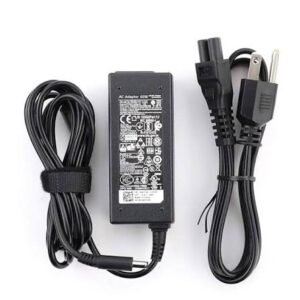
Universal 65W Laptop Charger
Original price was: ₨1,650.00.₨1,500.00Current price is: ₨1,500.00. Add to cart
Check 2: Does the Cable or Tip Show Damage?
Run your fingers along the cable, especially near the plug and the adapter brick. Look for kinks, soft spots or exposed wire. HP’s troubleshooting guide also says to replace the charger if you spot fraying or damage.
Check the tip too. A bent centre pin or a burn mark means the charger is done. Our guide on how long a laptop charger should last explains why cable stress near the connector is the usual culprit.
Also feel the brick during use. If it’s too hot to hold, stop using it.
Check 3: Is the Charging Port Dirty or Loose?
Switch off the laptop and unplug everything. Look into the port with your phone torch. Lint, dust and bent pins are common.
Wiggle the plug gently. If charging cuts in and out at certain angles, the port is worn, not the charger. Don’t buy a new charger for this. A repair shop can fix the port.
On USB-C laptops, use the port marked for charging. Not every USB-C port supports power delivery.
Check 4: Try a Power Reset
Sometimes the laptop is stuck in a bad power state. For laptops with a removable battery, HP suggests removing the battery, holding the power button for 15 seconds, then testing on the charger alone.
For sealed-battery laptops, shut down, unplug the charger, hold the power button for 15-30 seconds, then plug the charger back in and start up.
Check 5: Update the Battery Driver
If the hardware looks fine, check software. Open Device Manager, expand Batteries, and find “Microsoft ACPI-Compliant Control Method Battery.” Uninstall it, restart, and let Windows reinstall it.
You can also run powercfg /batteryreport in Command Prompt as administrator. If full charge capacity is far below design capacity, the battery is worn and the charger was never the problem.
The Swap Test: How to Know It’s the Charger and Not the Laptop
Here is what I’d do before buying anything. Borrow a charger with the same wattage and connector from a friend or office colleague.
- Laptop charges on the borrowed charger: your charger is dead. Buy a new one.
- Laptop still doesn’t charge: the fault is in the port, battery or motherboard. A new charger won’t help.
This one test saves most people PKR 3,000 or more.
What a Replacement Costs in Pakistan
If the swap test says the charger is dead, here are current Pakistani retail ranges (October 2026):
| Charger type | Genuine (PKR) | Compatible (PKR) |
|---|---|---|
| 45W barrel (HP, Acer class) | 3,000-4,500 | 1,500-2,200 |
| 65W barrel or USB-C (Dell, HP, Lenovo) | 3,500-6,500 | 1,800-3,200 |
| 90W (Asus, Lenovo) | 4,500-7,500 | 2,200-3,800 |
Compatible chargers run roughly 35-50% cheaper. They’re fine for many budget laptops, but only if the wattage and tip match exactly. A weak charger on a laptop that needs more power will charge slowly or not at all.
My Honest Take
Buy nothing until you’ve done checks 1 and 2 and the swap test. Those three take about ten minutes. If the swap test points to the laptop, take it to a repair shop instead of buying a second charger you don’t need.
If you do need a new one, match the wattage printed on your old adapter, not the cheapest listing. Our 65W charger buying guide covers pin sizes and voltage in detail.
Frequently Asked Questions
Why does my laptop say “plugged in, not charging”? Common causes are a weak power source, a mismatched charger wattage, a worn battery or an outdated battery driver. Test with another outlet and another charger first.
Can a bad extension board stop a laptop from charging? Yes. Loose contacts and unstable voltage can make charging cut in and out. Plug directly into a wall socket to test.
How do I know if my charger is dead or my laptop is faulty? Try a borrowed charger with the same wattage and connector. If the laptop charges, your charger is the problem. If not, the port or battery is at fault.
Is a compatible laptop charger safe to use? It can be, if wattage, voltage and tip match your laptop. A mismatched one can cause slow charging or overheating, so don’t guess the specs.
How much does a new laptop charger cost in Pakistan? Roughly PKR 1,500-3,200 for compatible 45-65W units and PKR 3,000-6,500 for genuine ones, depending on brand and wattage.
Should I replace the battery or the charger? Run the battery report first. If full charge capacity is far below design capacity, replace the battery. If the laptop charges on another charger, replace the charger.
Not sure which fault you have? Send us your laptop model and what the screen shows on WhatsApp



Leave A Comment