
 Cart is empty

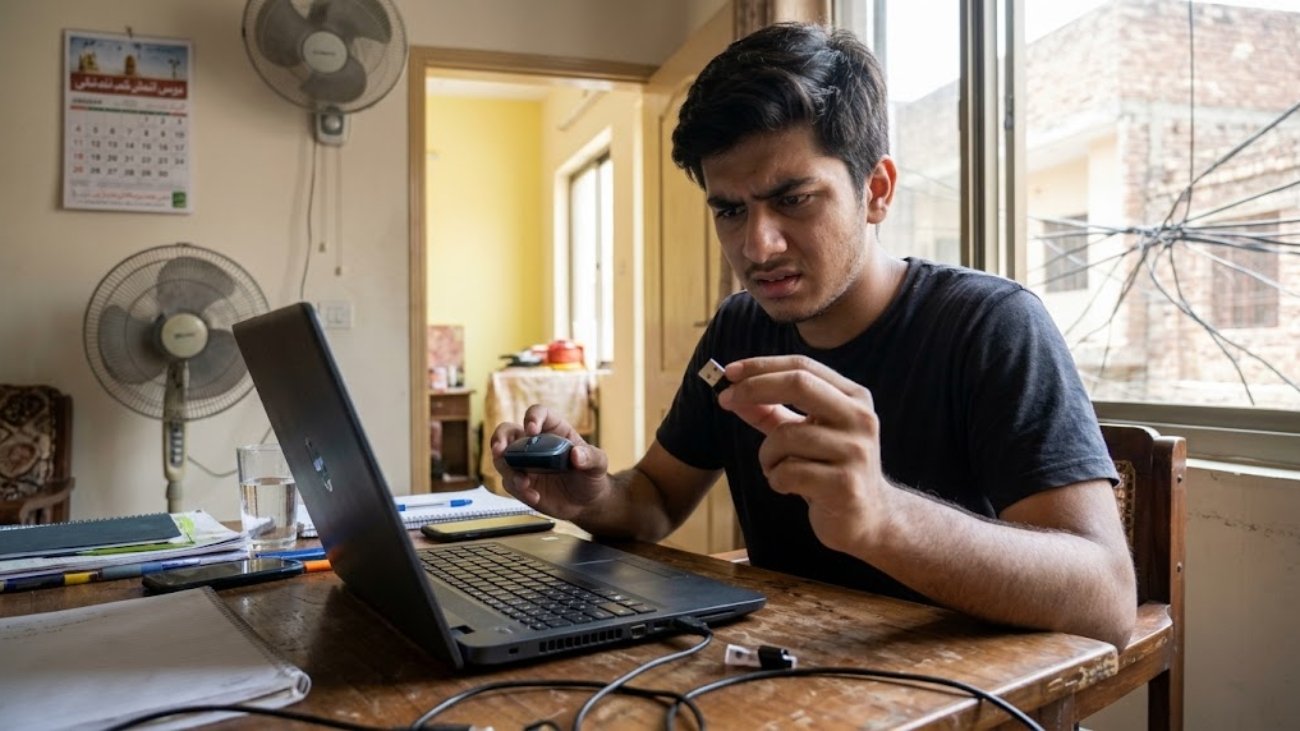
If your laptop touchpad is not working, press the Fn touchpad key, check Windows touchpad settings, then reinstall the driver. If the cursor jumps, clean the pad, lower the sensitivity and update the driver. Plug in a mouse to test. If the touchpad still fails, it may be a loose cable or a worn module.
Dead or Jumping?
- Nothing happens when you swipe or tap → Part 1.
- The cursor moves by itself, jumps while typing, or clicks randomly → Part 2.
Keep a mouse handy for both. If you don’t have one, you can use the keyboard to move around Windows while you work through the steps.
Part 1: Touchpad Not Working at All
Check 1: Restart and Don’t Touch the Pad
Save your work and restart the laptop. Dell’s guide adds a small but useful rule: don’t touch the touchpad until the computer has fully started, because it recalibrates during boot.
Check 2: Press the Fn Touchpad Key
Many laptops have a key that switches the touchpad off. It’s often F5, F6, F7 or F9, used with Fn. Look for a touchpad icon on the key. Press Fn plus that key and test again. Someone may have pressed it by accident.
Check 3: Check Windows Settings
Go to Settings > Bluetooth & devices > Touchpad. Make sure the touchpad is turned on. Also check whether it turns off when a mouse is connected, which is a setting some laptops use.
Check 4: Test With an External Mouse
Plug in a USB mouse, or a Bluetooth one. If the mouse works, your computer is fine and the problem is the touchpad or its driver.
Check 5: Reinstall the Driver
Open Device Manager (press Windows + X) and expand Mice and other pointing devices. Select your touchpad (for example Dell Touchpad or HID-compliant mouse). Dell suggests pressing Shift + F10 and choosing Uninstall device, then restarting. Windows reinstalls it automatically.
If you have Windows updates waiting, install them. Some newer laptops use a built-in Precision Touchpad driver supplied through Windows Update.
Part 2: Cursor Jumping or Clicking by Itself
Check 1: Clean the Touchpad
MakeTechEasier says oils, dust and sweat can change how the pad senses your finger, and grit in the corners can cause trouble. Power the laptop down. Wipe the pad with a dry cloth, then with a cloth lightly dampened with isopropyl alcohol (never spray liquid on the laptop). Let it dry before you switch on.
Washing your hands first also helps, as WTOP’s Data Doctors suggests.
Check 2: Lower the Sensitivity
A palm resting on the pad while you type can move the cursor. In Settings > Bluetooth & devices > Touchpad, lower the touchpad sensitivity. Dell’s guide also suggests turning off gestures that cause erratic movement, and under More touchpad settings, ticking Hide pointer while typing.
Turning off tap-to-click and using the physical button can cut accidental clicks too.
Check 3: Update or Switch the Driver
Download the latest touchpad driver for your exact model from the laptop maker’s support site. MakeTechEasier also suggests trying the Microsoft driver instead, through Device Manager > Update driver > Browse my computer > Let me pick from a list.
Check 4: Look for Software Conflicts
If the jumping started after installing an app (a remote-control or input tool, for example), uninstall it. MakeTechEasier suggests testing in Safe Mode with other devices disconnected. If the touchpad works there, something installed is causing it.
Check 5: Disconnect Everything and Retest
Dell suggests unplugging USB devices, external monitors and docks, then restarting. If the touchpad works, reconnect devices one at a time to find the culprit.
Safety Check: Is the Battery Swollen?
This one matters. If the touchpad feels stiff, doesn’t click normally or behaves erratically, WTOP’s Data Doctors suggest looking at the underside of the laptop for bulging.
If you see the case bulging or the touchpad pushed up, stop using the laptop and have it checked straight away. A swollen battery can be a fire hazard. Don’t charge it.
What Repair Costs in Pakistan
These figures come from one Pakistani repair vendor’s published list, NN Laptops. They aren’t verified, so treat them as a guide and ask for a quote.
| Problem | Typical cost (PKR) |
|---|---|
| Ribbon cable reseat (mostly labour) | 1,000-2,000 |
| Full touchpad module replacement | 2,000-6,000 |
The same vendor says random cursor jumps usually point to a driver conflict or a loose ribbon cable. A failed module needs replacement. Residue from an old spill can also cause inconsistent clicks.
Repair or Use a Mouse?
Compare the numbers.
| Option | Cost (PKR) |
|---|---|
| Wired mouse (A4Tech OP-620D) | about 1,100-1,200 |
| Wireless mouse (A4Tech G3-400N) | about 1,450 |
| Silent-click wireless (A4Tech FG10S) | about 1,950 |
| Cable reseat | 1,000-2,000 |
| Module replacement | 2,000-6,000 |
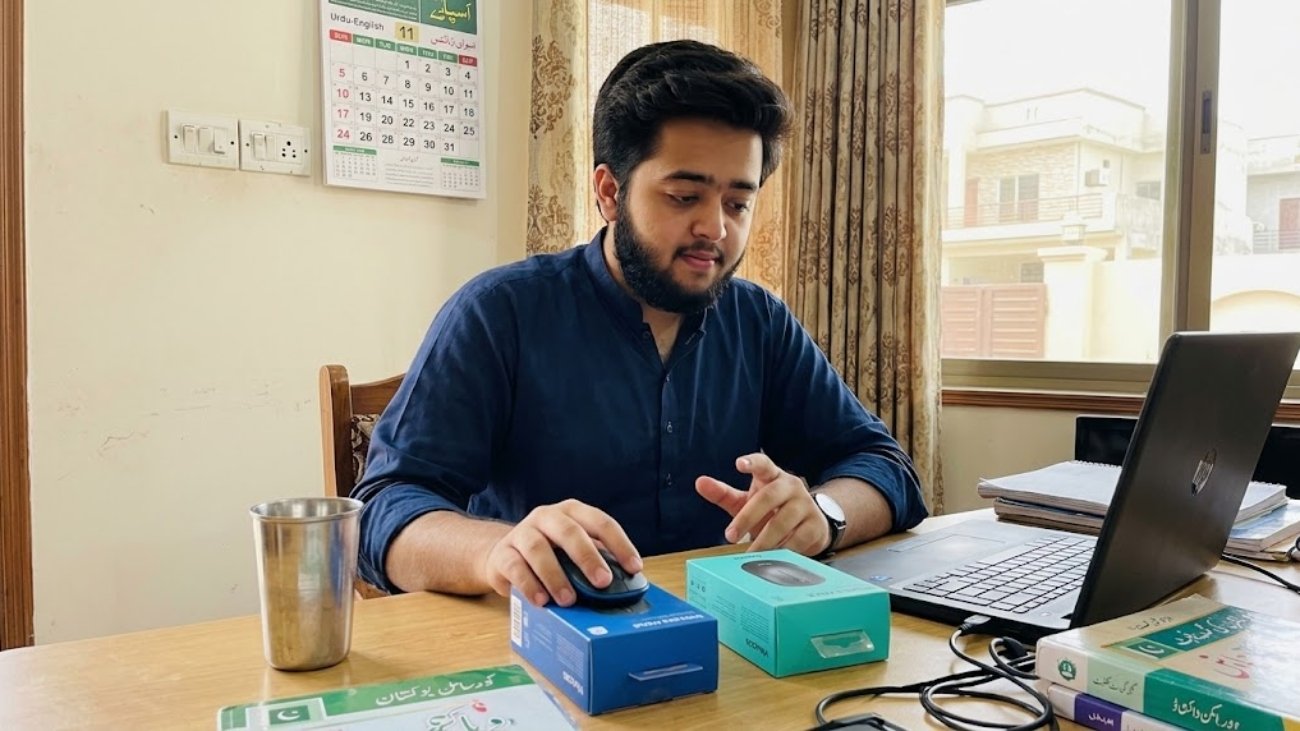
If your laptop mostly sits on a desk, a mouse costs the same as a cable reseat and less than a new module. The vendor also says the repair isn’t urgent if you’re happy with a mouse long-term.
But a mouse doesn’t fix everything. If you travel with your laptop, use it on your lap, or have a spill history, get it checked. The same source warns that residue or a loose connection can damage nearby parts over time. See our A4Tech FG10S vs G3-400N comparison for choosing one.
Which Fix Should You Try?
- Touchpad dead → Fn key, settings, driver. Free.
- Cursor jumps while typing → Clean it, lower sensitivity. Free.
- Jumps even when you don’t touch it → Driver, then a technician (loose cable).
- Stiff, bulging or won’t click → Stop using it. Check the battery.
- Laptop stays on a desk and you’re happy with a mouse → Buy a mouse, about PKR 1,100-1,950.
- Spill history → Get it checked.
My Honest Take
Check the Fn key and settings first. It’s embarrassing how often that’s the answer, and it costs nothing.
If the touchpad is genuinely failing, don’t rush into a repair. For a desk laptop, a basic mouse solves it for about the price of a cable reseat. Keep the repair for when you really need the touchpad.
Frequently Asked Questions
Why is my laptop touchpad not working? Common causes are a disabled setting or Fn key, a driver problem, or hardware failure. An external mouse test tells you whether the laptop itself is fine.
Why does my cursor jump while I type? Usually your palm brushes the touchpad, or the pad is dirty or too sensitive. Clean it and lower the sensitivity in Settings.
How do I turn my touchpad back on? Press Fn plus the touchpad key, often F5, F6, F7 or F9. Also check Settings > Bluetooth & devices > Touchpad.
How much does touchpad repair cost in Pakistan? One repair vendor lists about PKR 1,000-2,000 for a cable reseat and PKR 2,000-6,000 for a new module. Quotes vary, so ask first.
Is it better to buy a mouse than repair the touchpad? For a laptop that stays on a desk, often yes. A wired mouse costs about PKR 1,100-1,200. If you travel with the laptop, repair is better.
Can a swollen battery affect the touchpad? Yes. A swollen battery can make the touchpad stiff or erratic. Stop using the laptop and have it checked, as it can be a fire hazard.
Not sure if it’s a setting or a repair? Send your laptop model and what you see on WhatsApp, and we’ll point you the right way