

 Cart is empty
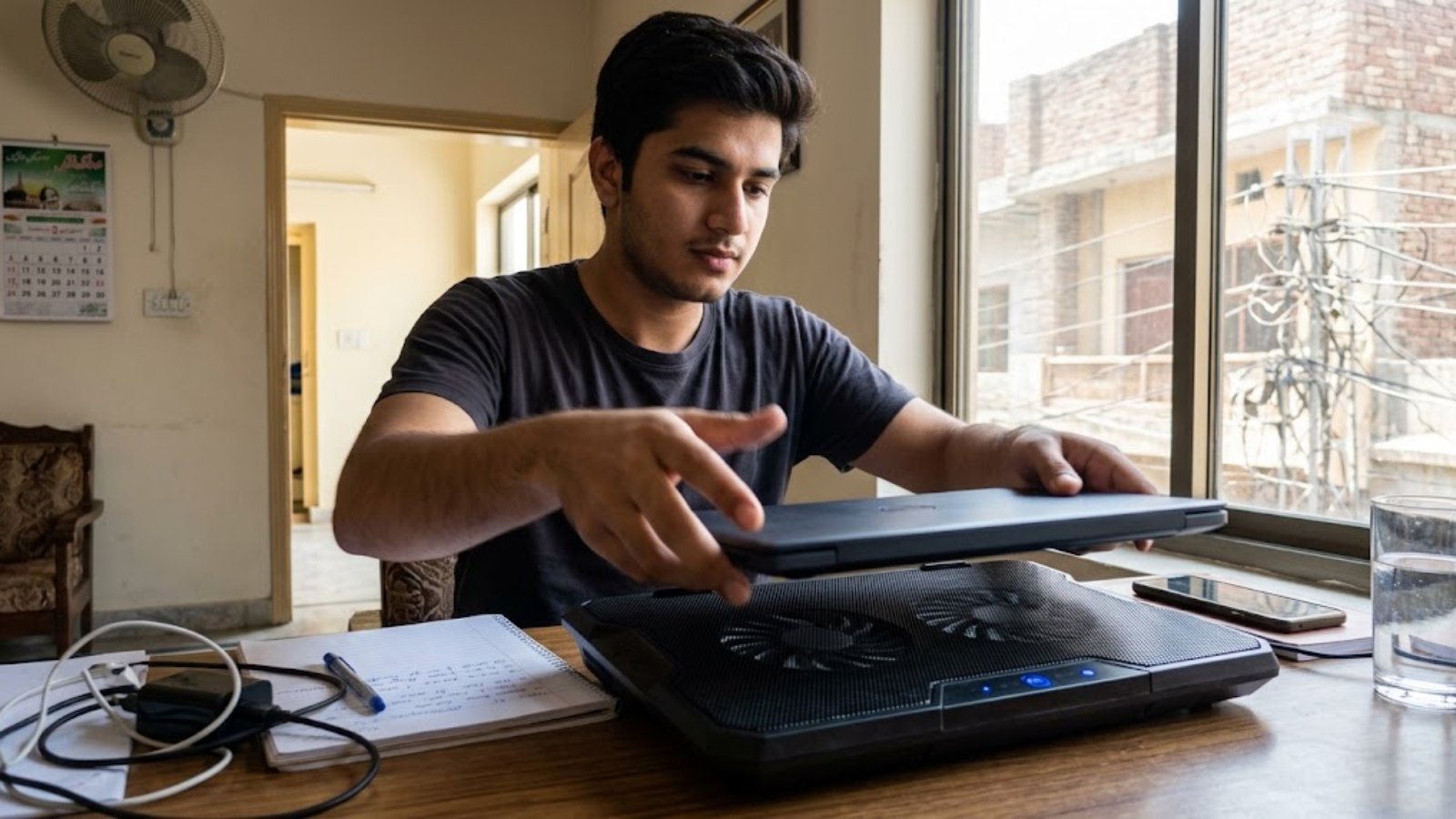
Yes, a laptop cooling pad is worth it if your laptop runs hot during gaming, video editing, or long work sessions, and its fans are still in good condition. Independent tests show active cooling pads typically lower CPU temperatures by 7-12°C. It won’t help much, though, if your laptop’s real problem is old thermal paste or a near-dead internal fan.
Why This Question Comes Up More in Pakistan Than Elsewhere
Ambient room temperature matters more than most reviews admit. A laptop that runs warm in a 22°C room in Europe runs considerably hotter in a Gujranwala bedroom during June or July, when indoor temperatures can sit well above 35°C without AC running constantly. The cooling pad isn’t fighting a losing battle exactly, but it’s starting from a worse baseline here than in most international reviews you’ll find online.
That’s also why local buyers often expect more from a cooling pad than it can realistically deliver. It helps. It doesn’t turn a hot laptop into a cold one.
What the Actual Temperature Data Shows
According to CGDirector’s independent cooling pad testing, results vary by laptop model, but the pattern is consistent: active cooling pads with built-in fans typically lower CPU temperatures by 7 to 12°C. GPU temperature drops tend to be smaller. Passive pads without fans add much less benefit on their own.
That’s a real, measurable improvement — enough to meaningfully reduce thermal throttling during gaming or heavy multitasking. But it’s not dramatic enough to rescue a laptop that’s already in serious trouble.
-
Sale!
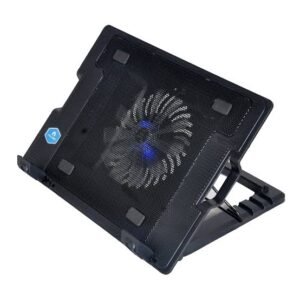
Mikuso NCP-235 Laptop Cooling Pad
Original price was: ₨2,800.00.₨2,500.00Current price is: ₨2,500.00. Add to cart
When a Cooling Pad Won’t Actually Help
This is the part most buying guides skip entirely, and it’s the part that matters most if you’re buying used or older hardware, which a lot of people in Gujranwala do.
Worn Thermal Paste
Laptops older than roughly 4-5 years, or any second-hand unit, often have thermal paste that’s dried out and lost most of its heat-transfer ability. A cooling pad blows cooler air around the outside of the laptop, but it can’t fix poor heat transfer happening inside, between the CPU and the heatsink. If your laptop is genuinely old or bought used, a thermal paste replacement will do more than any cooling pad.
A Weak or Failing Internal Fan
If your laptop’s own fan is already struggling, an external cooling pad can only supplement it, not replace it. You’ll get some improvement, but nowhere near what the same pad would do on a laptop with healthy internal cooling.
Fanless Laptops
On fanless ultrabooks, a passive cooling pad gives minimal benefit, since there’s no airflow pattern for it to assist.
PKR Pricing by Tier: What You Actually Get
Based on current Pakistani retail listings, cooling pads break into three practical tiers.
| Tier | Price Range (PKR) | What You Get |
|---|---|---|
| Budget, single fan | 2,000 – 3,200 | Basic airflow boost, aluminum mesh surface, no height adjustment |
| Mid-range, dual fan | 3,200 – 5,000 | Noticeably better airflow, adjustable height, quieter fans |
| Gaming, 4-5 fan RGB | 5,000 – 10,000+ | Strongest cooling performance, RGB lighting, multiple height settings |
For most home and student users, the mid-range dual-fan tier is where the real jump in performance happens. Single-fan budget pads help, but only modestly. Beyond the mid-range tier, you’re mostly paying for RGB lighting and marginal extra cooling, not a dramatically cooler laptop.
A Simple Way to Decide
- Your laptop is under 3-4 years old and just runs warm during gaming or heavy use → A dual-fan cooling pad will make a real, noticeable difference.
- Your laptop is older or bought second-hand, and it overheats even during light use → Get the thermal paste checked first. A cooling pad alone won’t solve that.
- You mostly do light browsing and document work → You likely don’t need one. Save the money.
- You game or edit video regularly on a laptop that throttles under load → Worth it, and a mid-range dual-fan pad is the sensible starting point rather than jumping straight to a premium RGB model.
My Honest Take
A cooling pad is one of the few budget accessories I’d call genuinely worth it, but only for the right laptop. If yours is still healthy inside and just running hot under load, a PKR 3,200-5,000 dual-fan pad earns its price. If your laptop has deeper problems, spend that money on a thermal paste service instead; a cooling pad on top of that won’t fix what’s actually wrong.
Frequently Asked Questions
Does a laptop cooling pad actually lower temperatures? Yes. Independent testing shows active cooling pads typically reduce CPU temperatures by 7-12°C, though results vary by laptop model and existing airflow design.
Will a cooling pad fix an overheating used laptop? Not if the real cause is worn thermal paste, which is common in older or second-hand laptops. A cooling pad helps external airflow, but can’t fix poor internal heat transfer.
What’s the difference between a budget and mid-range cooling pad in Pakistan? Budget single-fan pads (PKR 2,000-3,200) give a modest airflow boost. Mid-range dual-fan pads (PKR 3,200-5,000) offer noticeably better cooling and adjustable height, which is where most of the real performance gain happens.
Is a cooling pad necessary for everyday browsing and office work? Usually not. Cooling pads make the most difference during gaming, video editing, or other sustained heavy workloads that push the CPU and GPU hard.
Do RGB gaming cooling pads cool better than regular ones? Not necessarily much better. Beyond the mid-range tier, extra cost often goes toward lighting and extra fans with diminishing cooling returns, not a dramatically lower temperature.
Can a cooling pad damage my laptop? No, a properly sized cooling pad is safe to use daily. Just make sure your laptop’s vents align with the pad’s airflow direction for the best effect.
Not sure if your laptop actually needs one? Message us on WhatsApp



Leave A Comment