
 Cart is empty

If your laptop battery is draining fast, check Battery usage, lower brightness and close startup apps. Then run the Windows battery report. If full charge capacity is far below design capacity, the battery is worn and needs replacing. If not, it’s a software fix.
Which Kind of Drain Do You Have?
- It drains quickly while I’m using it → Checks 1 to 4.
- It loses a lot overnight, even with the lid closed → Check 5.
- It stops charging early, or sits at 60-80% → Check 6.
- It shuts down suddenly at 15-25% → Check 7. The battery is likely worn.
Check 7 is the one that decides everything. Do it early if you’re short on time.
Check 1: See What’s Using the Power
Go to Settings > System > Power & battery > Battery usage. Change the dropdown to Last 7 days. HelpDeskGeek says to start here to find which apps use the most power.
Close or uninstall anything you don’t need. Open Task Manager (Ctrl + Shift + Esc), go to Processes and sort by Power usage. Browser tabs that auto-refresh video or live pages can drain a lot, so close those too.
Check 2: Lower the Brightness and Power Mode
The screen is usually the biggest drain. Turn the brightness down a few notches. In Settings > System > Power & battery, set Power mode to Balanced or Best power efficiency.
Also shorten the screen-off and sleep timers for “On battery power.”
Check 3: Stop Startup Apps
Go to Settings > Apps > Startup and turn off anything you don’t need at login. Chat apps, cloud sync and update helpers often run all day.
For an app you still need, open Settings > Apps > Installed apps, choose Advanced options, and set Background app permissions to Power optimized or Never.
Check 4: Turn On Energy Saver
In recent Windows 11 builds, Energy saver (once called Battery Saver) lives under Settings > System > Power & battery. Turn it on and set a start level. HelpDeskGeek suggests somewhere between 30% and 50%.
If you can’t find it, your Windows build may use the older name.
Check 5: Overnight Drain
If the battery loses a lot while the laptop sleeps, it’s usually a driver problem. HelpDeskGeek says a loss of about 1-3% overnight is normal, and more than 10-15% points to a fault.
Update the chipset, graphics and Wi-Fi drivers from your laptop maker’s support site, and the BIOS if there’s an update. Then install pending Windows updates. Some users reported worse battery life after certain updates, so a newer one may fix it.
For a stubborn case, Dell suggests a clean boot. Disable non-Microsoft startup items, restart and compare. If runtime improves, re-enable items in groups to find the culprit. If it doesn’t improve, the battery itself may be worn.
Check 6: Check Your Charge Limit Setting
Some laptops have a battery care mode that stops charging at 60-80% to protect the battery. It’s meant to help, but it looks like a short runtime.
Dell’s guide points out a BIOS setting under Power Management. The Custom and Primarily AC Use charge modes can stop charging early. Setting it to Standard is a useful test. Other brands have a similar option in their own app, often called battery care or conservation mode.
Check 7: Run the Battery Report
This test takes two minutes and tells you the truth.
- Press Windows + R, type
cmdand press Enter. - Type
powercfg /batteryreportand press Enter. - Open the file
battery-report.htmlfrom your user folder (C:\Users\YourName\) in a browser.
Find two numbers, as Dell explains:
- Design Capacity: what the battery could hold when it was new.
- Full Charge Capacity: what it can hold now.
Divide the second by the first. That’s your battery health.
| Health | What it means |
|---|---|
| Above 80% | Healthy. The problem is probably software |
| 60-80% | Wearing. Replace soon if runtime bothers you |
| 40-60% | Worn. Replacement is worth it |
| Below 40% | Dell says replace it |
Sources use different cut-offs. NN Laptops suggests replacing soon below 80%, while Dell says the battery is significantly degraded below 40%. Use the table as a guide, and let your daily runtime decide.
Safety Check: Is the Battery Swollen?
Stop here if you see any of these. The base is bulging, the touchpad is lifting, or the laptop no longer sits flat on a table. A swollen battery can be a fire hazard. Stop using the laptop, don’t charge it, and have it checked straight away. Our touchpad guide covers the same warning sign.
What a Replacement Costs in Pakistan
NN Laptops lists these prices, parts and labour included. They’re from one vendor and aren’t independently verified. Ask for a quote.
| Laptop | Typical price (PKR) |
|---|---|
| Dell Inspiron 15 / HP Pavilion 15 | 3,500-4,800 |
| HP EliteBook 840 | 3,800-5,500 |
| Dell Latitude 7-series | 4,000-6,000 |
| Lenovo ThinkPad T-series | 4,000-6,500 |
| Gaming laptops (Asus TUF, Acer Nitro, MSI) | 4,500-7,500 |
The same vendor says to avoid unbranded cells with unverified capacity ratings. It also suggests replacing is usually worth it if the battery costs under about 15% of the laptop’s value.
Which Fix Fits You?
- Battery health above 80% → Do Checks 1 to 5. It’s software.
- Health 60-80% and you rarely unplug → Live with it. Replacing won’t change much.
- Health below 60% and you unplug daily → Replace it.
- Old laptop worth under PKR 25,000 → Think twice. A battery at PKR 4,000+ is a big share of its value.
- Laptop stays plugged in all day → Keep the battery in, but a charger and desk setup matter more.
- Bulging, lifting touchpad → Stop using it.
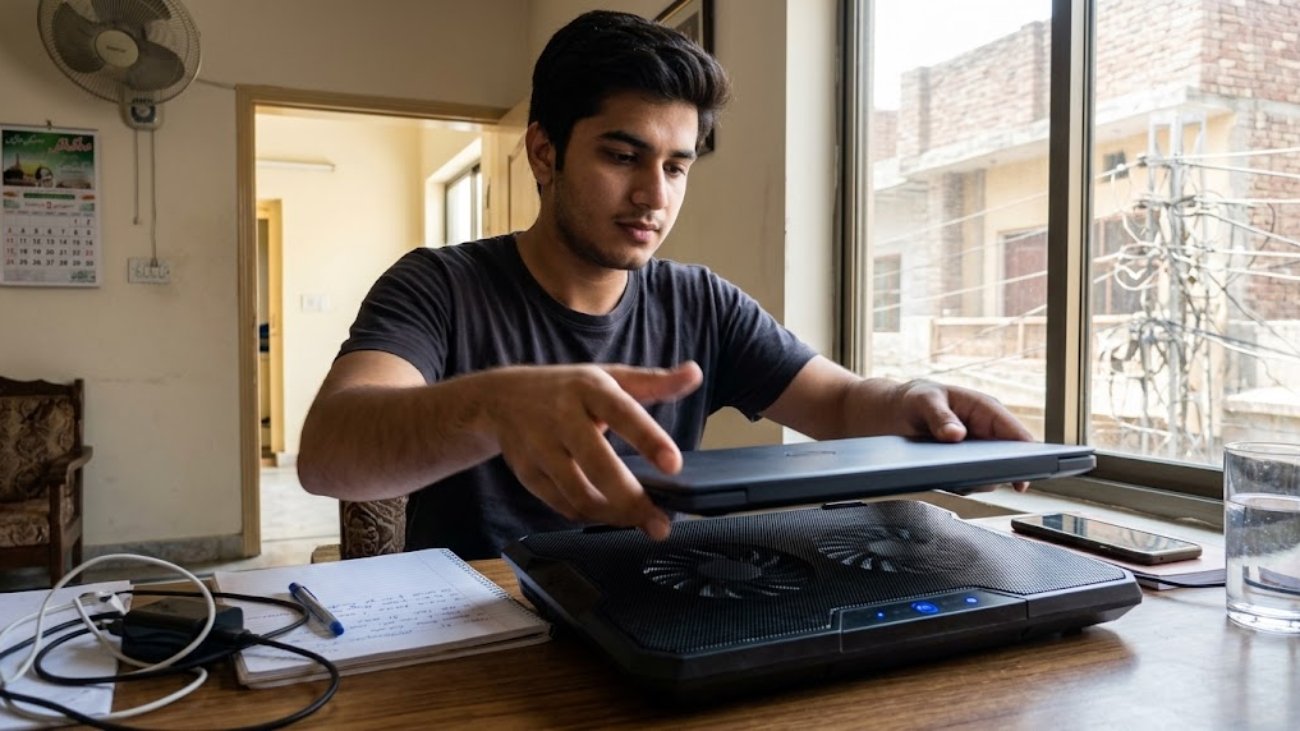
Heat also shortens battery life. If your laptop runs hot, our cooling pad guide explains when a pad helps.
Is It Really the Battery? Check the Charger First
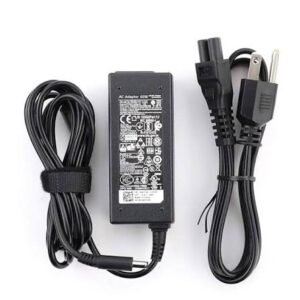
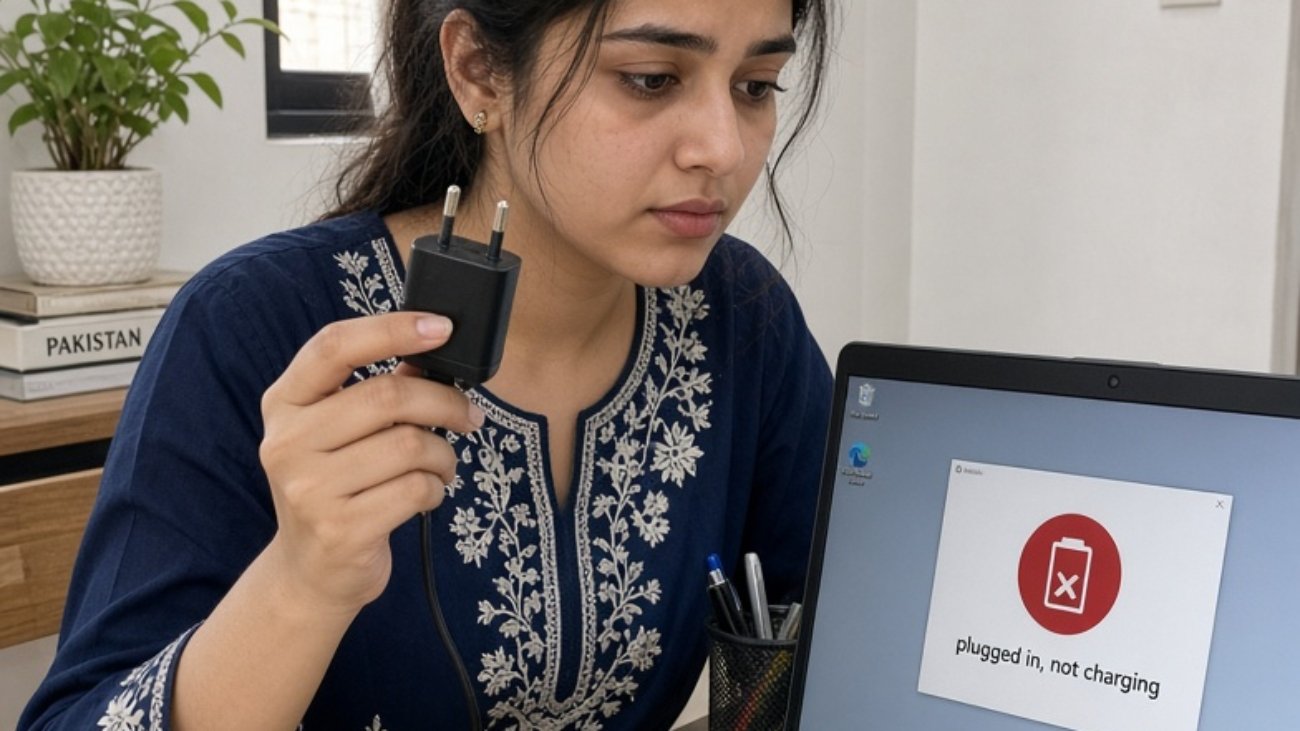
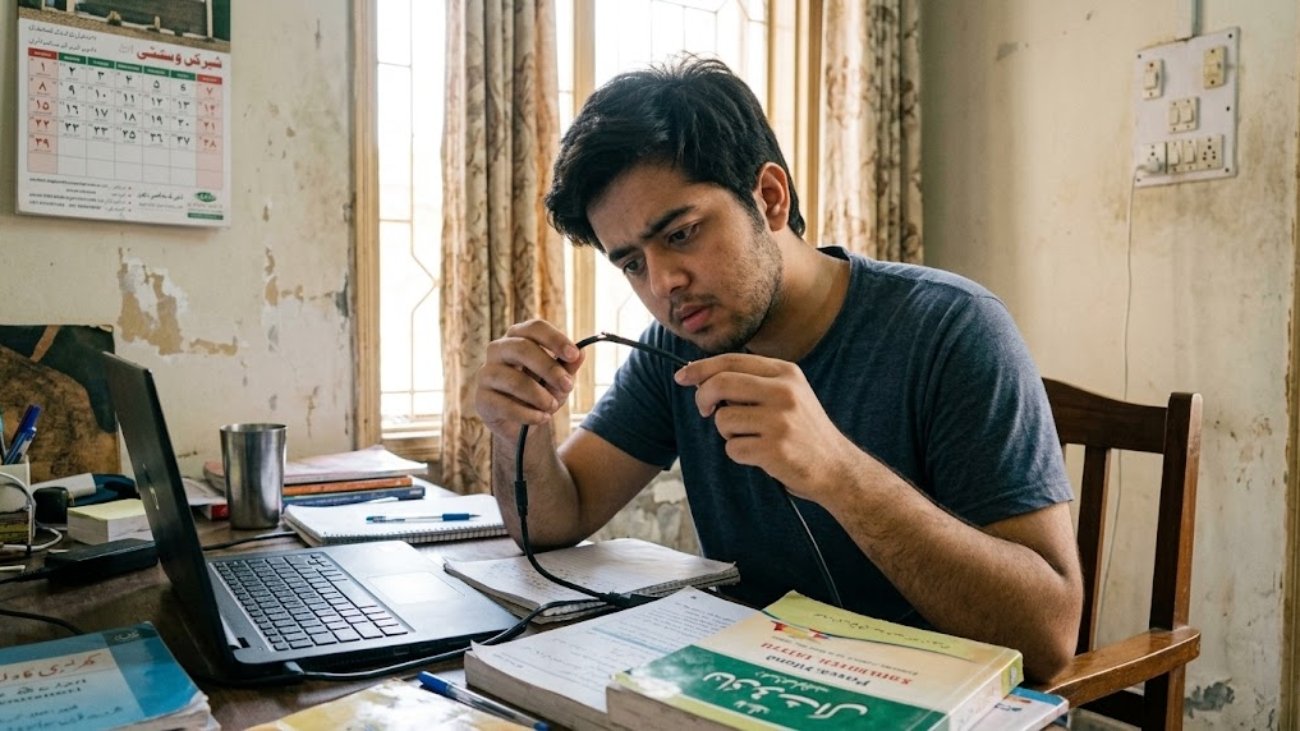
If the battery won’t charge at all, or charges only when you hold the cable at an angle, the charger may be the fault. Our laptop charger not charging guide lists five free checks. A worn cable fails more often than people think, as our charger lifespan guide explains.
My Honest Take
Run the battery report before you buy anything. It’s free, and it saves you from spending on the wrong part.
If health is above 70% and it still drains fast, I’d suspect a driver, a startup app or brightness. If it’s below 50%, I’d replace it, but only if the laptop is worth it.
Frequently Asked Questions
Why is my laptop battery draining so fast? Common causes are high screen brightness, background apps, a driver or Windows update problem, or a worn battery. Check Battery usage in Settings, then run the battery report.
How do I check my laptop battery health? Open Command Prompt and run powercfg /batteryreport. Open the file it creates and compare Design Capacity with Full Charge Capacity.
How much overnight battery drain is normal? About 1-3% overnight is normal, according to HelpDeskGeek. Losing more than 10-15% points to a driver or settings problem.
When should I replace my laptop battery? When full charge capacity falls well below design capacity and your runtime no longer suits you. Dell says below 40% is significantly degraded. Many shops suggest replacing soon below 80%.
How much does a laptop battery replacement cost in Pakistan? One Pakistani vendor lists roughly PKR 3,500-7,500 for common laptops. Prices vary by model, so ask for a quote.
Is a swollen laptop battery dangerous? Yes. Stop using the laptop, don’t charge it, and have it checked immediately.
Not sure if it’s the battery or the charger? Send us your laptop model and your battery report numbers on WhatsApp, and we’ll point you the right way.